Overview
What is Retire.js Tools
- Detect codebases with known bugs.
How to use Retire.js Tools
- The ways to use Retire.js:
- A command line scanner.
- A grunt plugin.
- A Chrome extension.
- A Firefox extension.
- Burp and OWASP Zap plugin.
Why Retire?
There are numerous JavaScript libraries for the Web and Node.js, simplifying development but we need to stay up-to-date on security fixes. “Using Components with Known Vulnerabilities” is now a part of the OWASP Top 10 list of security risks and insecure libraries can pose a huge risk to your Web app. The goal of Retire.js is to help you detect the use of JS-library versions with known vulnerabilities.
1. Use the return.js plug-in for actual combat in chrome
1.1 Download plug-in.
1.2 Open the Google extension and drag the plugin.
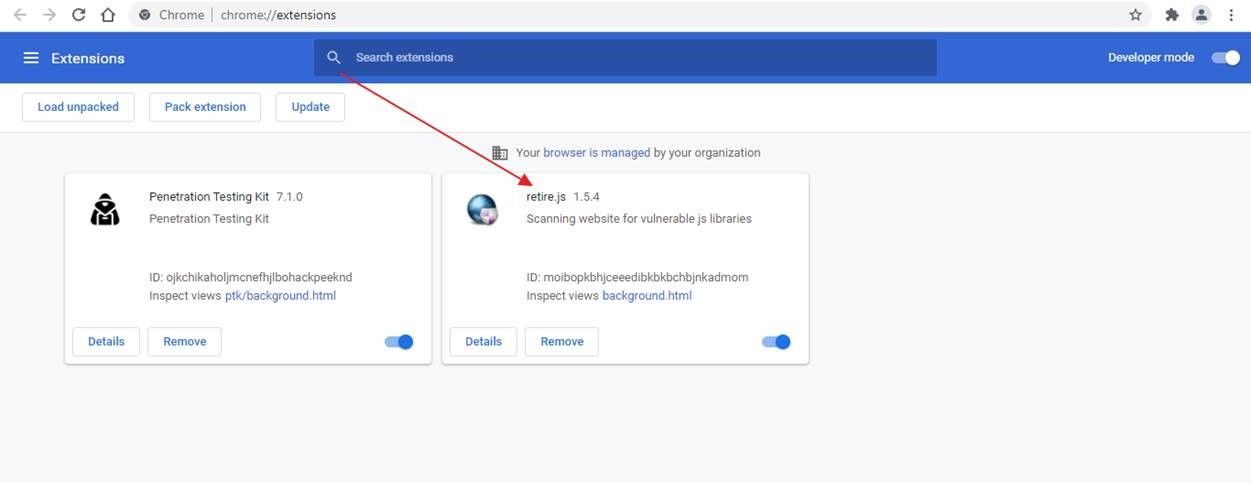
1.3 Get to the page you need to test and click Retire.js to grab it.
1.4 The weak version of the plug-in scanned with a red prompt. Click to view it.
1.5 Click Save to generate the report and view it.