Issue Scenario about Data Dictionary Change
What Issue Scenarios Do We Have to Face for Data Dictionary Change?
1. AA (Application Architecture) team may lose the whole picture as more DD (Data Dictionary) is updated during development.
- In large projects, numerous developers need to customize the database for specific requirements. However, with limited AA resource and insufficient time to review every update, the AA team can lose the whole picture as changes accumulate. This makes it difficult to maintain focus and often leads to new issues when updates conflict with other requirements.
2. DC (Data Conversion) team who needs to closely monitor DD change and identify which tables or columns require migration.
- Due to lack of comprehensive knowledge about the whole picture or detailed updates for different modules, the DC team has no idea about the detail update and AA team does not know when to inform DC of update.
3. Managers who would like to know the DD change frequency and size so that they can access the possible risks and effort.
- By analyzing database changes, managers can assess associated risks or effort, enabling them to prepare if significant risks emerge or substantial effort is required.
4. Clients who would like to know the DD change for test/production environment.
- Some clients manage their own DD changes but find this part potentially risky based on experience. Therefore, they request that we provide a list of DD change.
Major Features of DD monitor
- Monitor the DD change for specific database (Oracle/MySQL)
After the first-time initialization, DD monitor will keep the configuration for use during scheduled updates.
- Auto send the DD change list by mail
An email is sent to corresponding persons of the DD change list, which only list the change parts against last-time run.
- Support to upload the change comments from different parts
Users can add comments for tables or columns and upload them store in the database.
- One database can be monitored by different persons with different schedules
Users in different roles can set up individual monitoring schedules for the same database from different points of view.
Quick to Start
Function List
There are 6 functions provided to monitor DD.
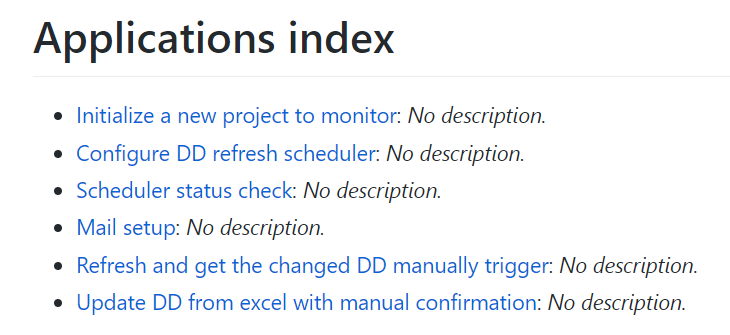
Initialize a Project
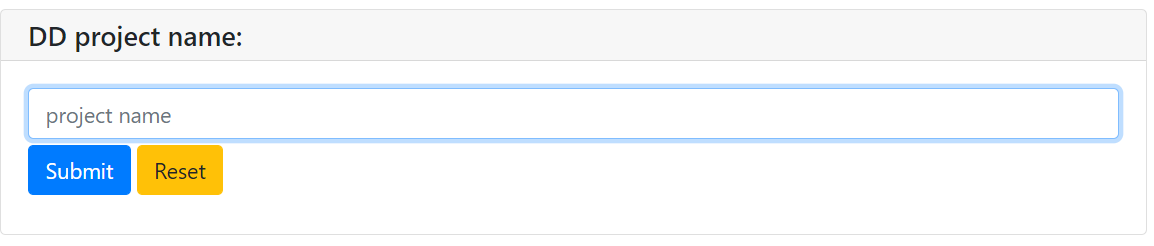
To monitor a database, you need to first initialize a project. The project name serves as the unique key for performing other configurations.
Project name
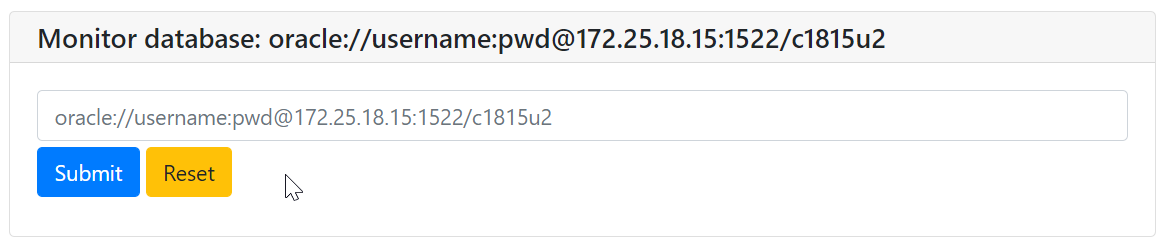
Database to be monitored
Receive mail list

CC mail list

Feedback information after initialization

Set a Schedule to Update
Menu to trigger

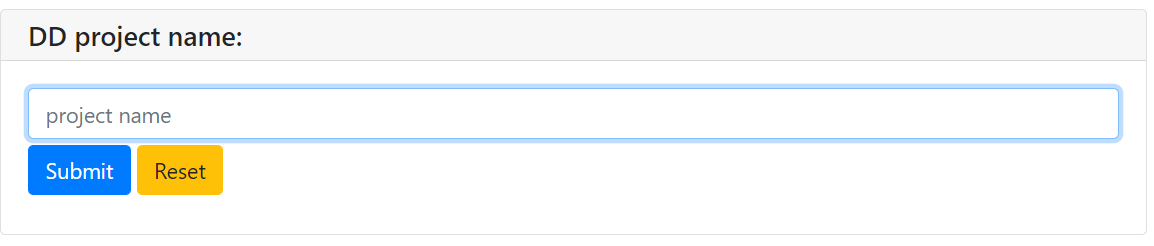
Project name to set
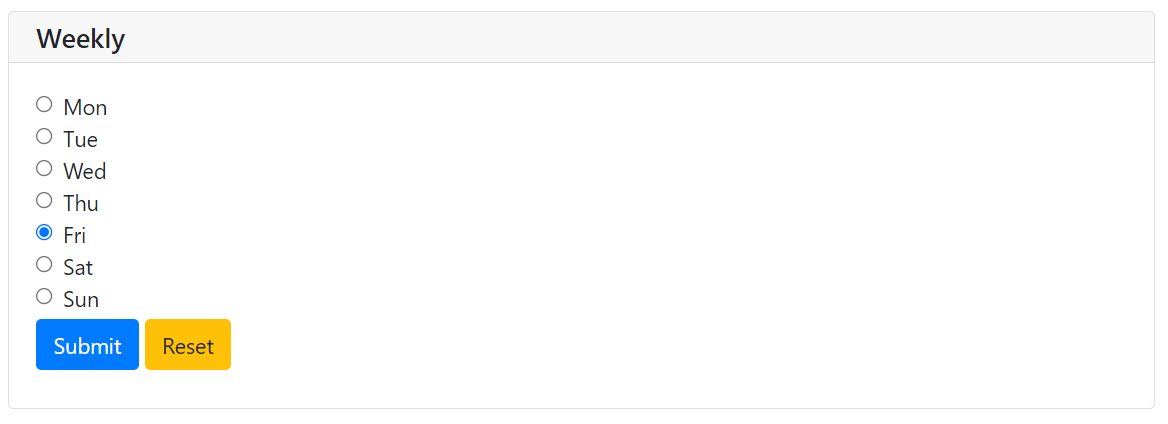
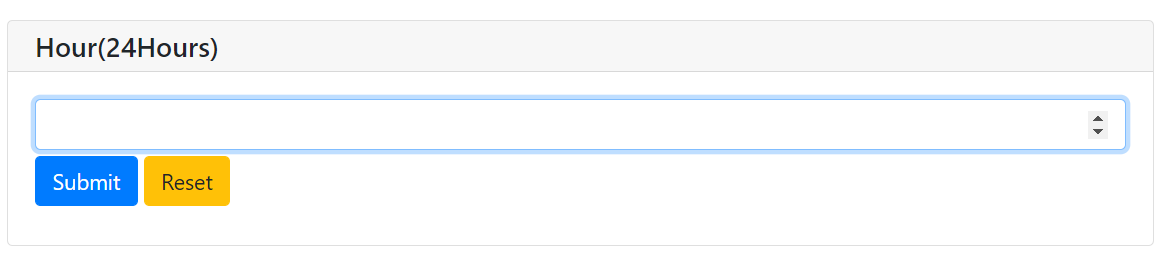
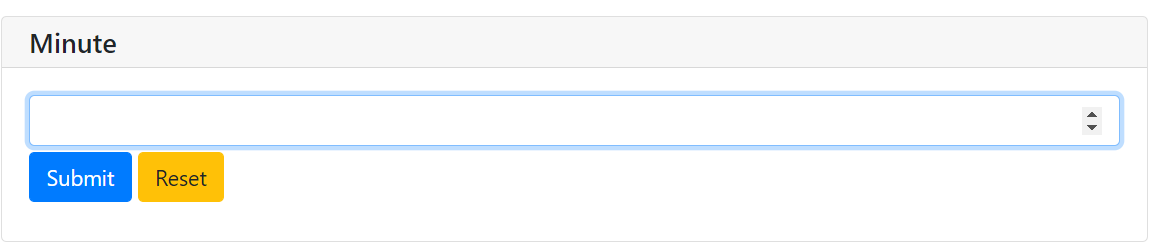
Schedule to choose(weekly)

Scheduler Check
Key in the project name and you can find current update schedule.

Inform Update of Mail Configuration
If you want to update the mail setup after initialization, you can do it here.
The step is same as initializating mail setup.

Manual Trigger to Send the Update
Key in the project name and submit, you can receive the mail updated.
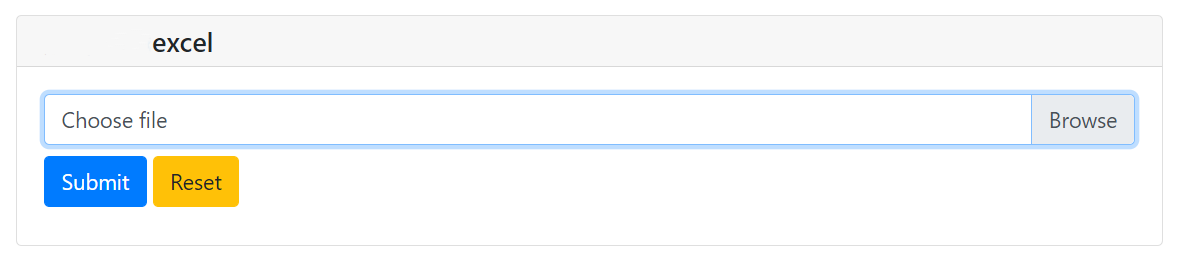
Upload the Confirm Comments Information
After downloading the excel from the DD monitor email, you can add or update columns as instructed. Then, upload the modified file using either the hyperlink in the email or this menu directly. Your update will be kept in the DD monitor after uploading.