Basic Concept
There can be different branches or organizations for one client, either internal company branches, or external organizations who use the same system for operations.
For normal business practices, proper authorities need to be imposed depending on different branch settings about what can and cannot be seen.
The branch module helps users to maintain all these hierarchical organization relationships and be able to set up proper authorities for each entity.
User Scenario
For anybody who wants to maintain organizations and their relationship in our system.
Operational Guide for Branch UI
Users must carefully decide whether to perform branch definitions in each runtime environment or in the portal master configuration environment (MC env).
Please ensure you have all read and write permissions to perform operations beforehand.
Enter Branch.
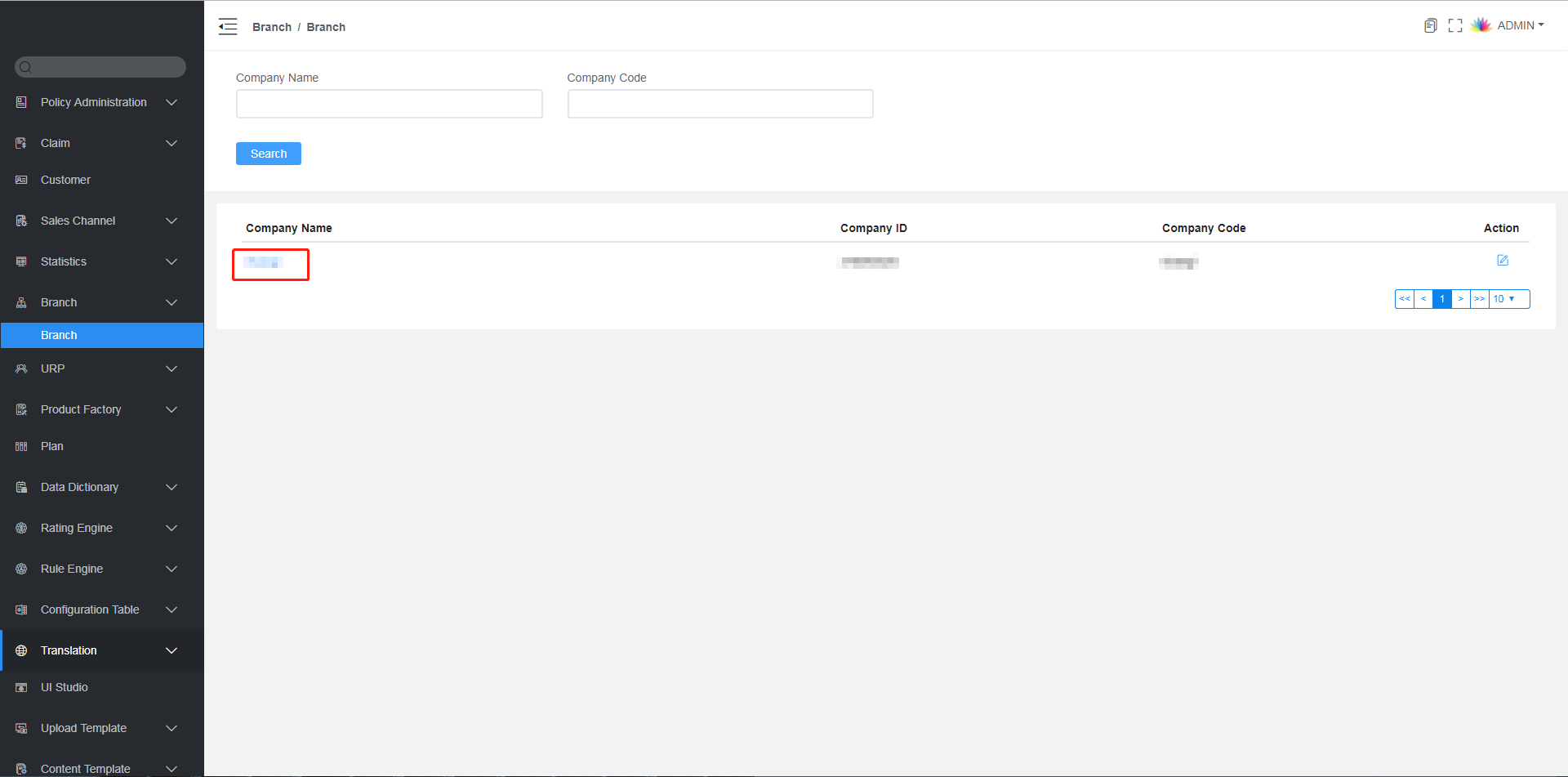
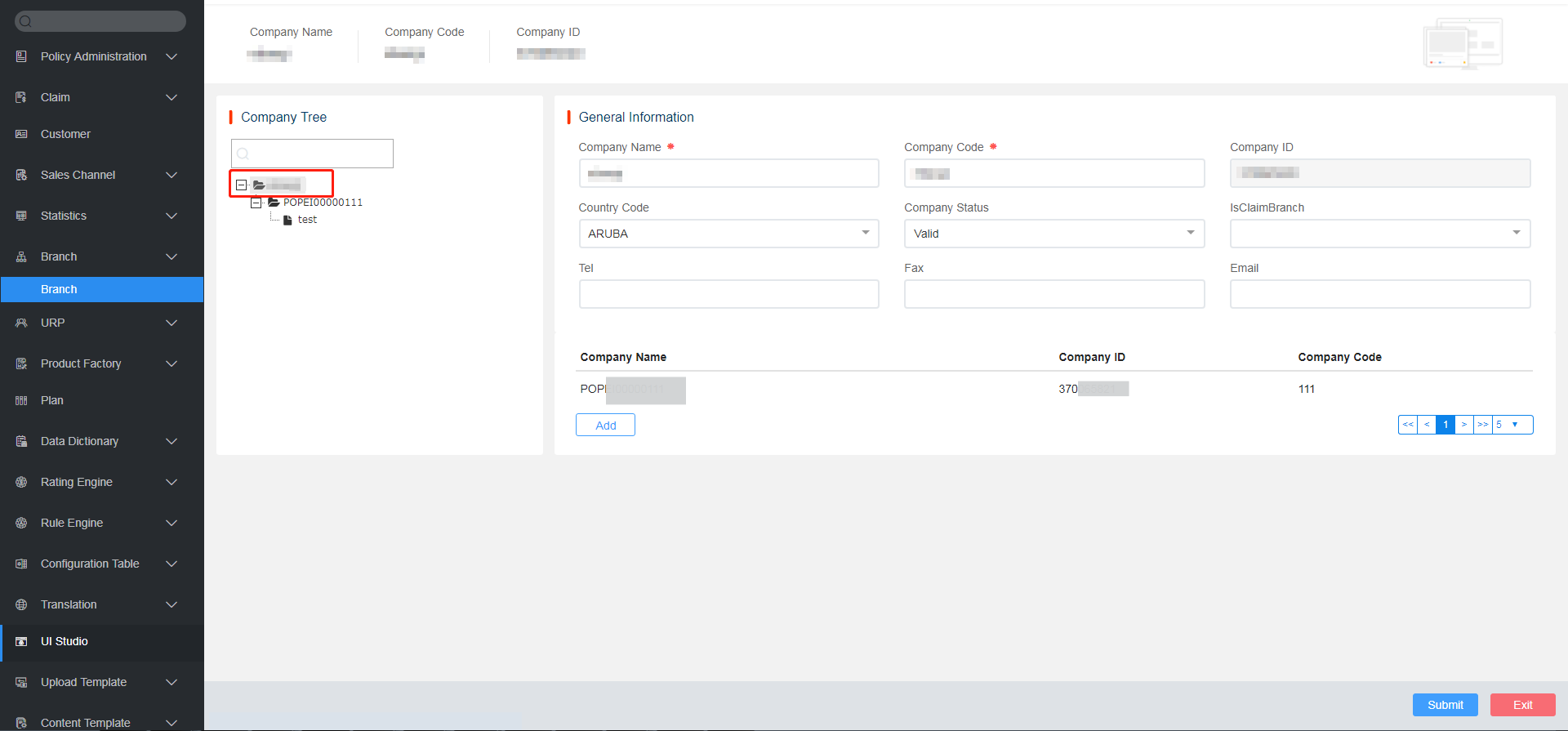
Log in to the InsureMO home page and click Branch on the left menu bar. Then click on the selection under Company Name. You can view all associated companies in this page.
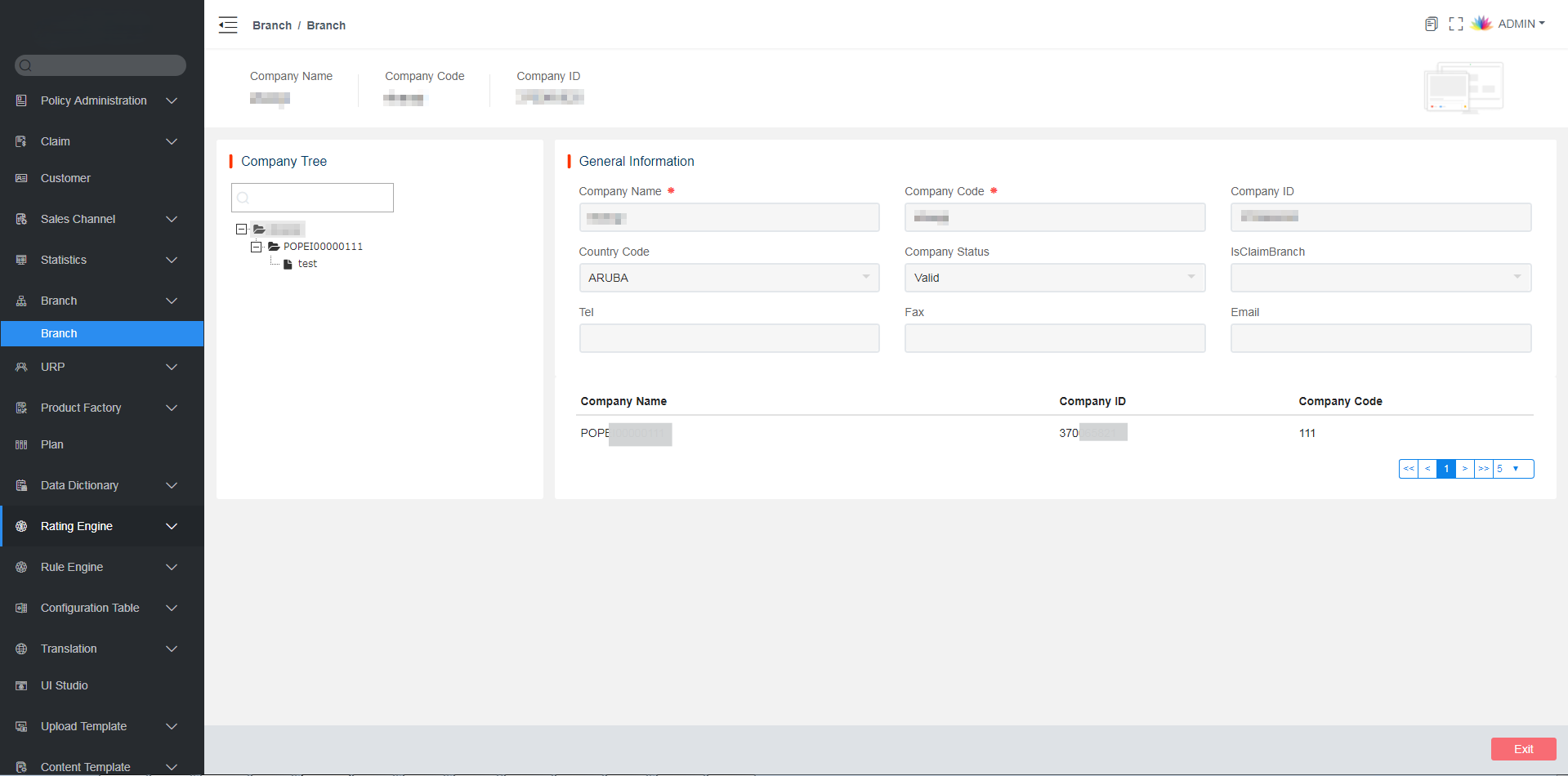
Select a level, such as the highest one. You can see all the levels.
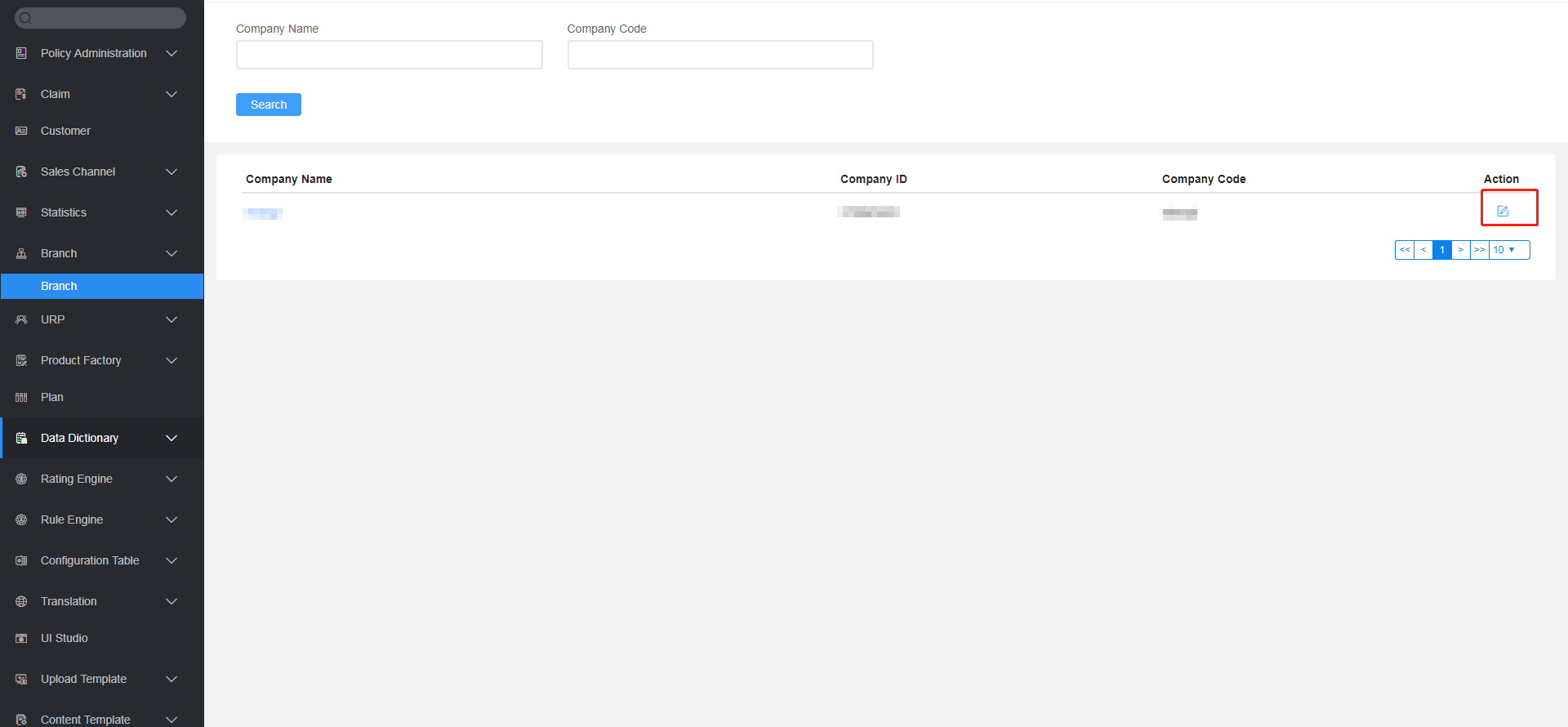
Click  to add a branch.
Click on the level, such as the highest one, and click Add.
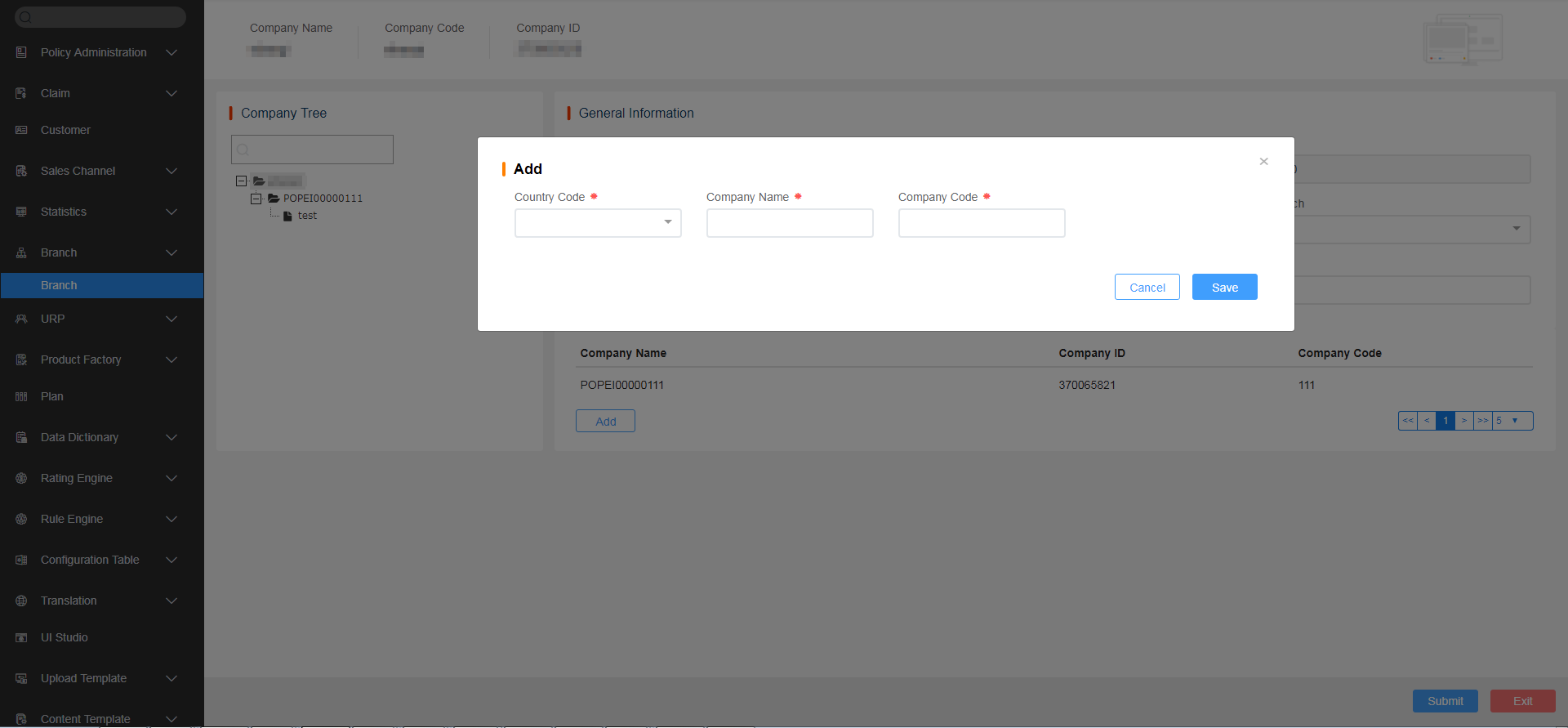
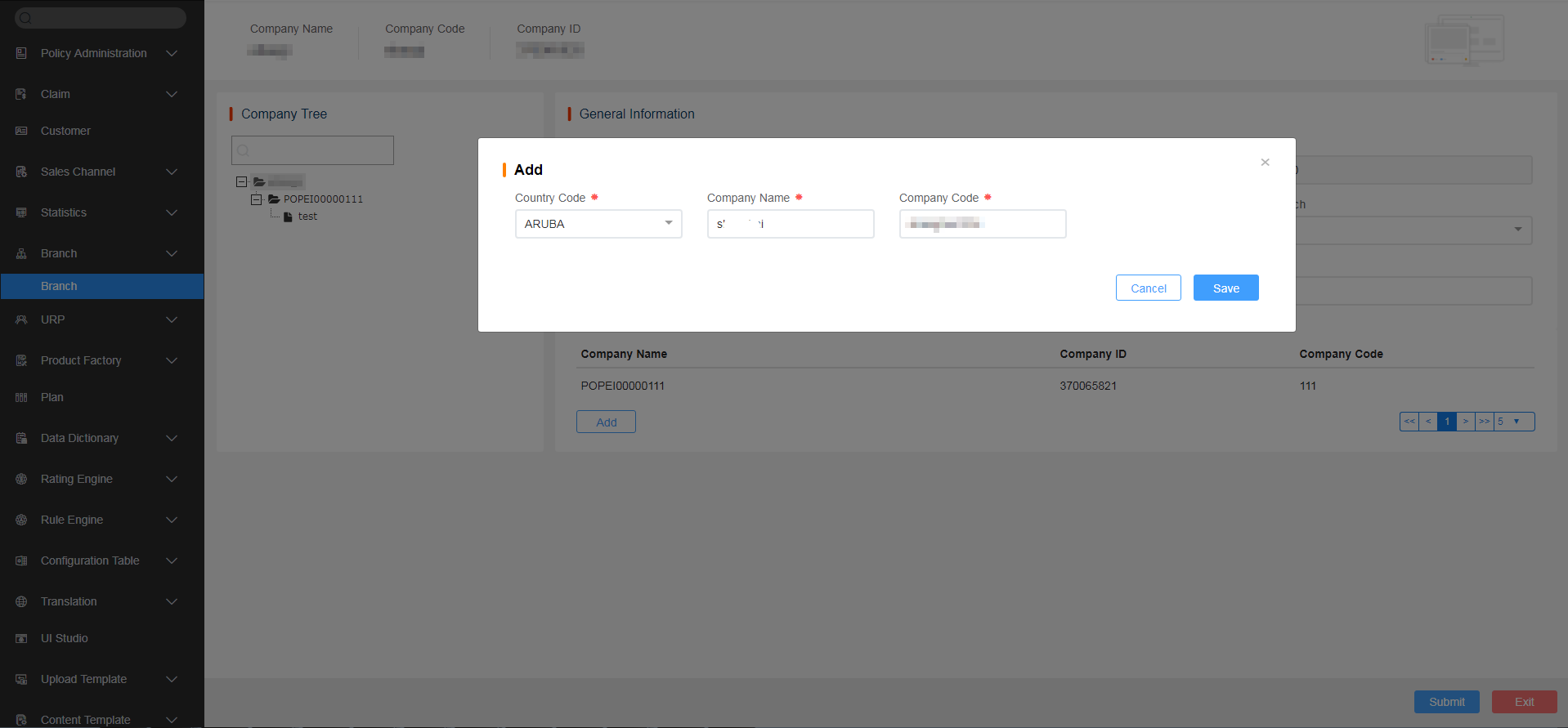
Fill in all the required details and click Save. A new branch is created.
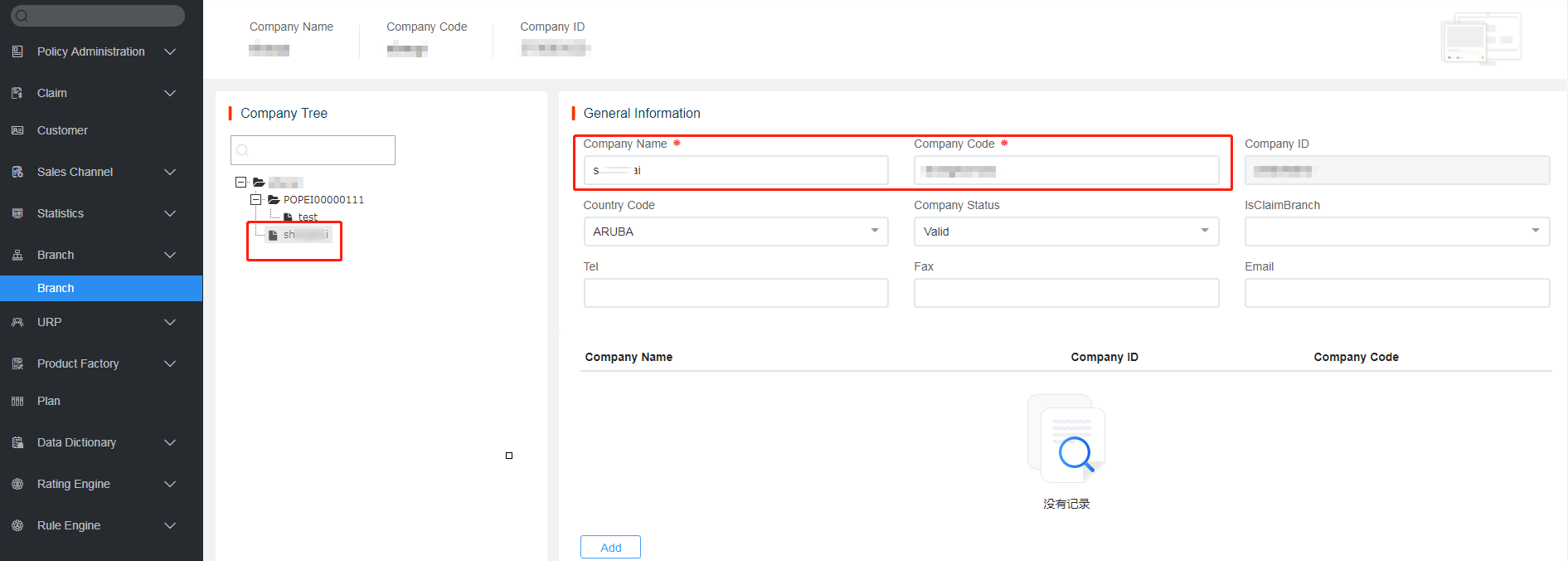
Branch Development Guide
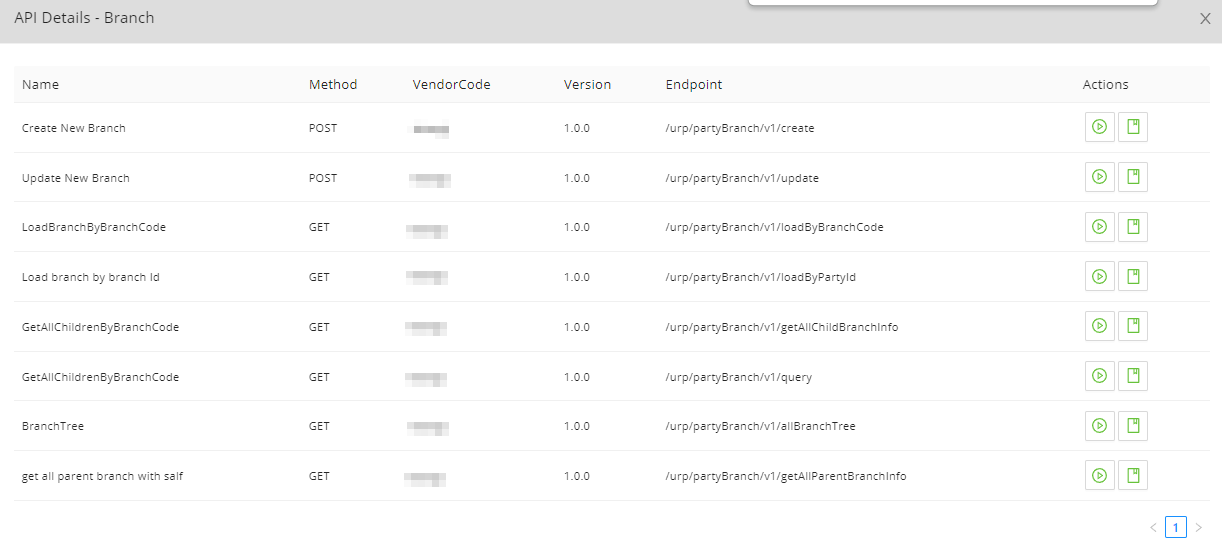
We provide a platform API to fetch branch definition data so that front-end applications can load corresponding configuration data and impose respective authorities.
The API specification is posted and regularly updated on the InsureMO portal for users’ reference.
Extended Point to Notice
Branch Authority Control
Our branch module provides only a basic branch definition. In the user management screen, we can also support branch assignment to respective system users.
However, we do not impose too many branch authorities on the platform. The business-related authority control is up to front-end applications to call our URP and branch API to implement detailed branch-related authority logic.
Such logic can be super complex, depending on different internal business requirements.
Configuration Data Import and Export
In the latest version, we support configuring branches in the MC environment and extracting configuration data for deployment to other environments.

We must be very careful with this feature because different people have various understanding of whether branches are configuration data or not.
For those who consider branches as configuration data due to their infrequent changes, configuration deployment will help them deploy data to all environment. Then this feature works for them.
However, if branches are configured in production, they should be treated as instance data. Configuration data cannot be extracted from MC due to a potential risk of overriding production data. In this case, branches should be added one by one in each environment.
Branch Super Parent Node
In the current UI, there can be only one super parent node per branch, typically representing the super headquarter. However, in cases where multiple parent nodes are required, one super parent is used internally and multiple super parents externally.
Whether to allow such multiple super parents remains under consideration, as technically this scenario can also be addressed by setting only one super parent with multiple subordinate branches.
Further analysis is necessary to assess the potential influence.
Branch Removal
Since branches are infrequently updated and the data is quite important, we do not provide any UI to delete branches.
However, in cases where tenant applications are copied over from others along with the branch configuration data, redundant data may be be introduced and require removal.
If it’s necessary to remove a branch, you can call the following API:
curl --location 'https://tenantcode***.insuremo.com/urp/partyBranch/v1/delete' \
--header 'Content-Type: application/json' \
--header 'Cookie: httponly' \
--data '{
    "partyId":10000046998012
}'
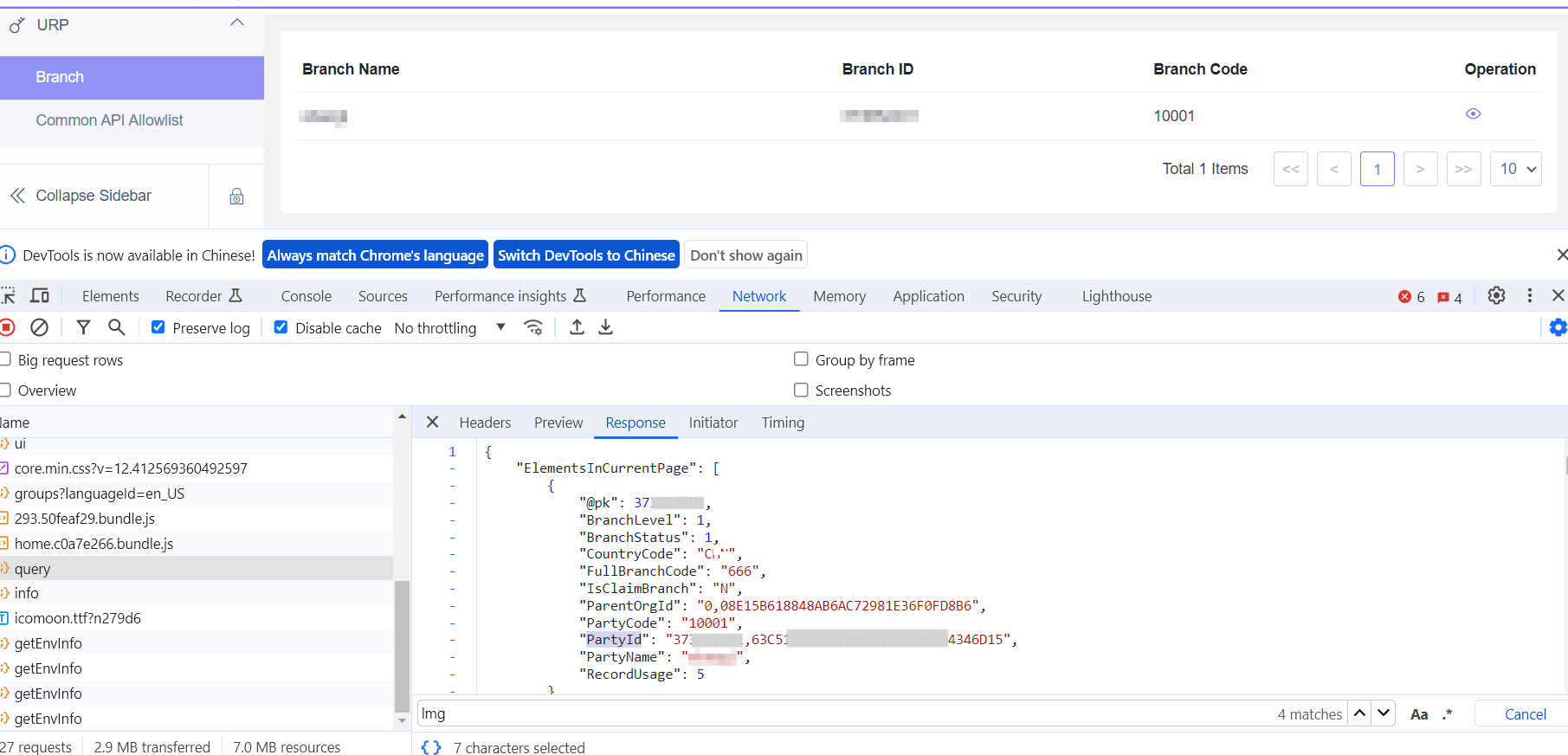
For the party ID, users can access the branch UI and utilize Chrome F12 for capture: